Create more than just project timelines
Asana timeline software is the easiest way for teams to plan project schedules and then track work from start to finish.
How to create a project timeline
Creating a project timeline is the best way to set your project up for success and ensure you’ll hit your deadlines. To visualize your project plan or workflow as a timeline, follow these steps:
1. List out your project’s steps and set clear deadlines
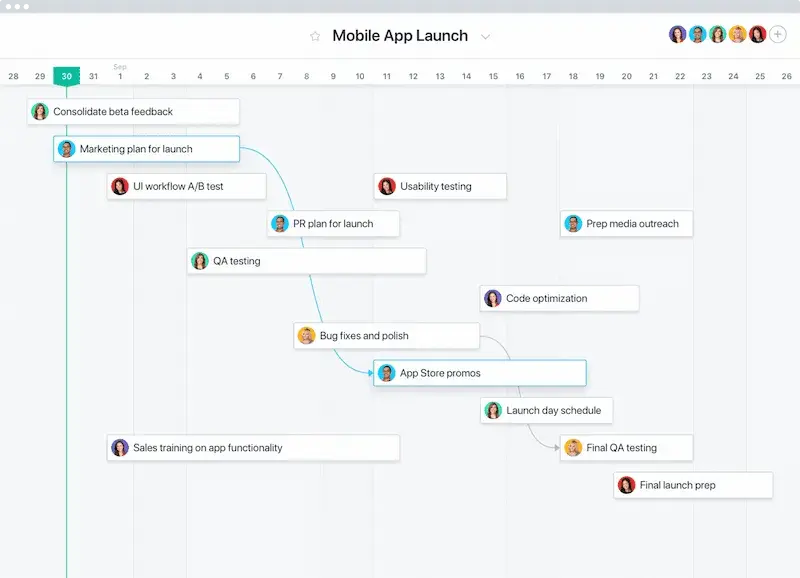
Start by breaking up your project work into tasks with clear assignees. Then, add start dates and due dates to help you estimate how long each step will take.
2. Figure out the order of your tasks
Which tasks need to be completed first? Are there any tasks you can’t start until others are completed? What comes last? Answering these questions will help you figure out how to order your tasks.
3. Share your timeline
Share your project timeline with teammates. This will keep everyone on the same page about project plans, who’s responsible for what, and get buy-in from stakeholders.
4. Track your project’s progress
Watch your team’s progress and make sure they’re on track to meet your project goal and deadline. Send status updates as you complete milestones to keep your team up-to-date on work or any changes to your timeline.
Timeline software for faster project planning
With Asana, you can plan projects, break them down into manageable tasks, and create an online, Gantt chart-like timeline that tells you exactly who’s doing what, by when.
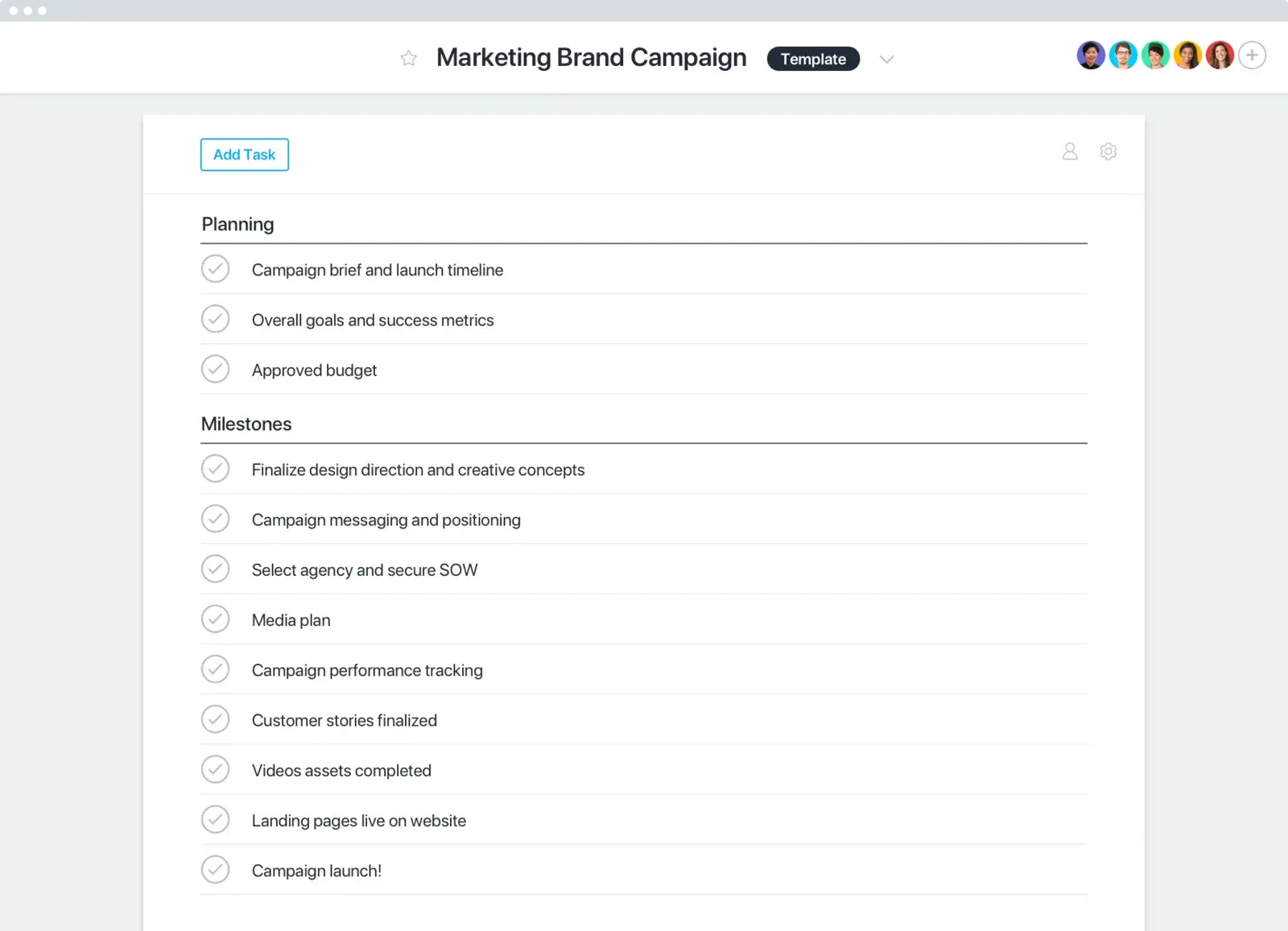
Use templates to create online timelines
Save your team time by creating a custom template from common projects, or use an Asana timeline template to kickstart your project.
Teams that want results use Asana














Размер компании
Enterprise
Отрасль
Путешествия и транспорт
Asana has become the cornerstone of project management for the Shared Services Center. It has enabled our small team of six to migrate services and implement new tools effectively and efficiently that impact all 1,500 of our employees and other users around the world.
Tamas Kadar
Business Development Manager, Air France KLM Group
Share online timelines
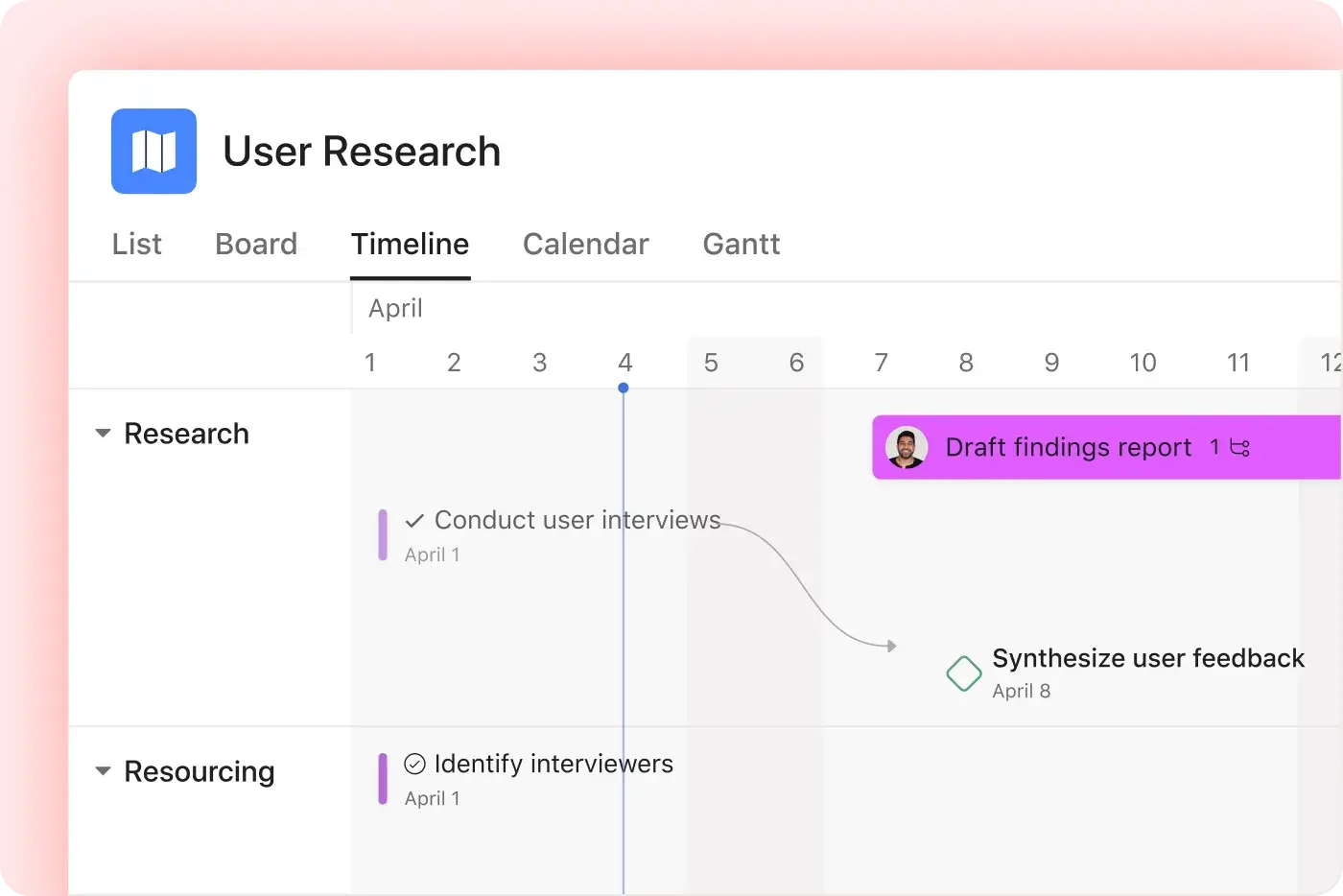
Asana’s timeline tool helps teams share a visual timeline for schedules, tasks, and handoffs.
Share different timeline layouts with leaders, teammates, and stakeholders
Review milestones and deadlines in interactive timelines.
Adjust dates with a drag-and-drop interface as plans change.
Still have questions? We have answers.
How does Asana’s timeline tool help with project planning?
Can I create an online timeline in Asana?
What should I look for in timeline software?
What is the best software for creating a timeline?
Where can I create a timeline for free?
Can I use Asana as a horizontal timeline maker?
Преобразуйте свой стиль работы с помощью Asana
Начните пробный период
Попробуйте Asana бесплатно. Данные кредитной карты не требуются.
Смотреть демо
Узнайте, как Asana объединяет компании в больших масштабах.
Поговорить с торговым представителем
Узнайте, как Asana помогает командам эффективно взаимодействовать.